Introduction
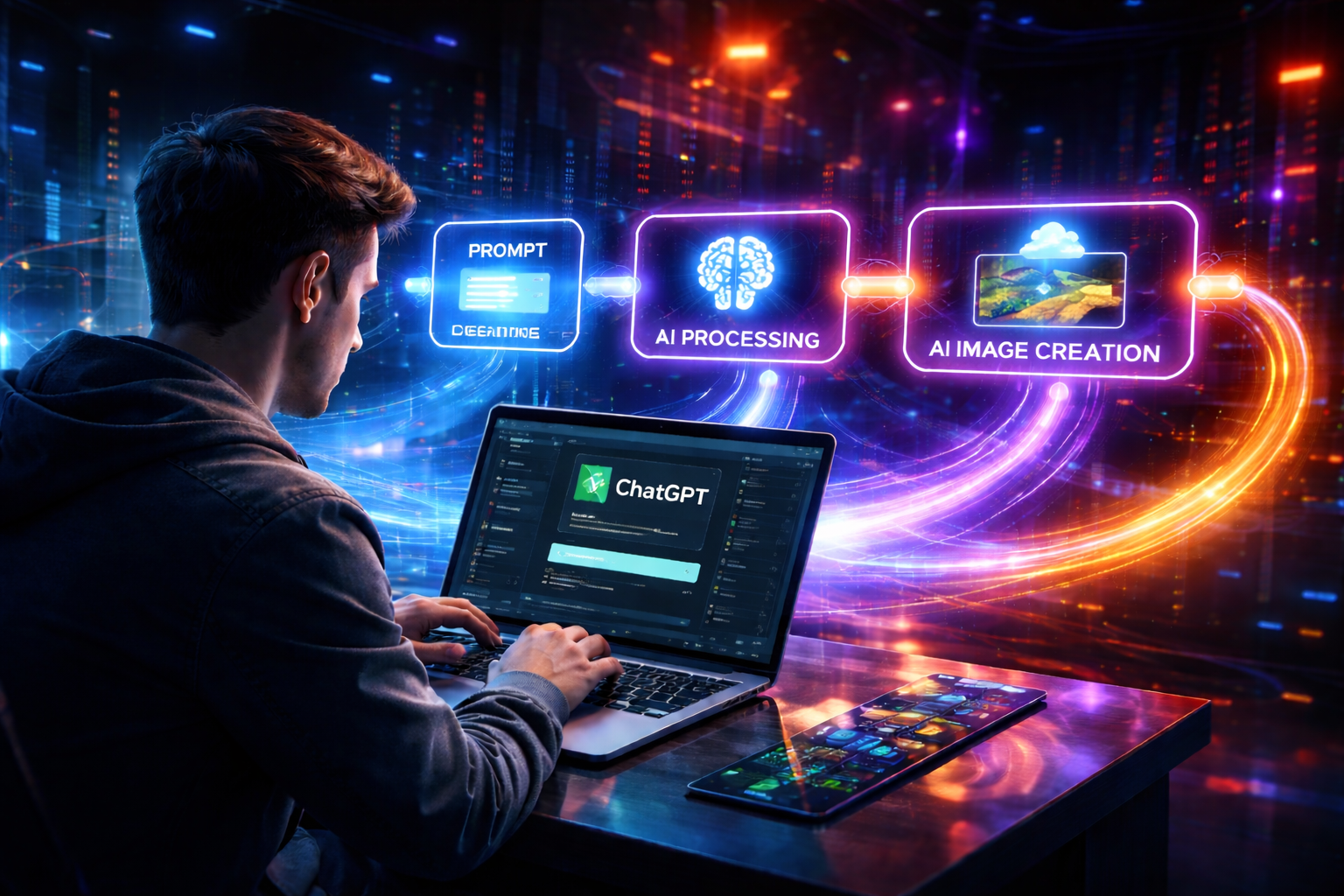
Automation is evolving rapidly, and combining browser automation with AI unlocks powerful possibilities. In this article, we’ll walk through a real-world system: an AI Agent that uses ChatGPT to generate prompts and images automatically, while handling confirmations, downloads, and rate limits intelligently.
This is not just a script — it’s a production-style intelligent workflow.
🧠 What This AI Agent Does
- Logs into ChatGPT using a persistent browser session
- Generates high-quality image prompts
- Sends prompts to ChatGPT
- Detects when images are ready
- Downloads images automatically
- Handles confirmation prompts
- Manages rate limits
- Resets context for clean execution
⚙️ System Architecture Overview
User Input → Playwright → ChatGPT → AI Response
                  ↓
          Decision Engine
                  ↓
     Download / Confirm / Retry
                  ↓
           Save + Reset Loop
🔄 Step-by-Step Algorithm
1. Initialization Phase
- Parse CLI arguments (prompt type, count, profile, URL)
- Create required directories (images, logs, prompts)
- Launch Chrome using Playwright persistent session
- Open or restore ChatGPT page
2. Session Handling
- Check if ChatGPT is already logged in
- If not:
- Wait for manual login
- Detect active session via chat input
3. Prompt Generation
- If prompts already exist → load them
- Else:
- Ask ChatGPT to generate prompts in JSON format
- Extract and validate prompts
- Save locally for reuse
4. Core Processing Loop
For each prompt:
Step 1: Send Prompt
- Input prompt into ChatGPT
- Wait for response to stabilize
Step 2: Try Direct Download (Highest Priority)
- If download button is available:
- Download image immediately
- Save to disk
- Reset page
- Move to next prompt
Step 3: Handle Confirmation (Only if Needed)
- If ChatGPT asks:
- “Would you like me to generate?”
- Then:
- Send
Yes, generate now - Wait for response
- Send
Step 4: Retry Download
- Try downloading again after confirmation
Step 5: Handle Rate Limits
- Detect messages like:
- “You’re generating too quickly”
- Extract wait time
- Sleep and retry
Step 6: Recovery
- Reload ChatGPT page
- Retry up to max attempts
5. Reset Strategy (Critical Optimization)
After every successful download:
- Reload ChatGPT page
- Clear previous context
- Start fresh for next prompt
This ensures:
- Better performance
- Lower failure rate
- Reduced UI clutter
- More reliable automation
🧠 Intelligent Decision Logic
🔥 Priority Rule
If download is available → ALWAYS download first. Never confirm or send new prompt.
Confirmation Logic
- Trigger only when explicit phrases detected:
- “Would you like me to generate?”
- “Shall I generate?”
- Avoid generic triggers like:
- “confirm”
- “?”
Rate Limit Handling
- Detect rate-limit messages
- Extract wait duration dynamically
- Add buffer time
- Resume execution safely
🧩 Key Components
| Function | Purpose |
|---|---|
bootstrap_page() |
Stable page initialization |
send_message() |
Input automation |
wait_for_response() |
Response stabilization |
download_image() |
Image extraction |
confirm_generation_if_needed() |
Conditional confirmation |
handle_rate_limit_if_present() |
Smart cooldown handling |
generate_images() |
Core orchestration |
🧠 Mental Model
Ask → Wait → Observe → Decide → Act → Reset → Repeat
🚀 Why This Approach Works
- Mimics human interaction behavior
- Handles real-world UI unpredictability
- Avoids unnecessary actions
- Recovers from failures gracefully
- Maintains clean execution cycles
⚡ Real-World Use Cases
- YouTube thumbnail generation
- AI art pipelines
- Content automation systems
- Social media creatives
- Bulk image generation workflows
🔚 Conclusion
This AI agent is a perfect example of combining:
- AI intelligence (ChatGPT)
- Browser automation (Playwright)
- Smart decision-making logic
The result is a highly efficient, resilient, and scalable automation system.
💡 Final Thought
The real power of AI is not just generating content — it’s building systems that think, decide, and act intelligently.
Let’s build the future 🚀